Keep your AI. Bring the work into the conversation.
Connect ChatGPT, Claude or another compatible AI to Trillion. Your AI gets the context and tools to work, and supported hosts can show interactive Trillion screens right inside the chat.
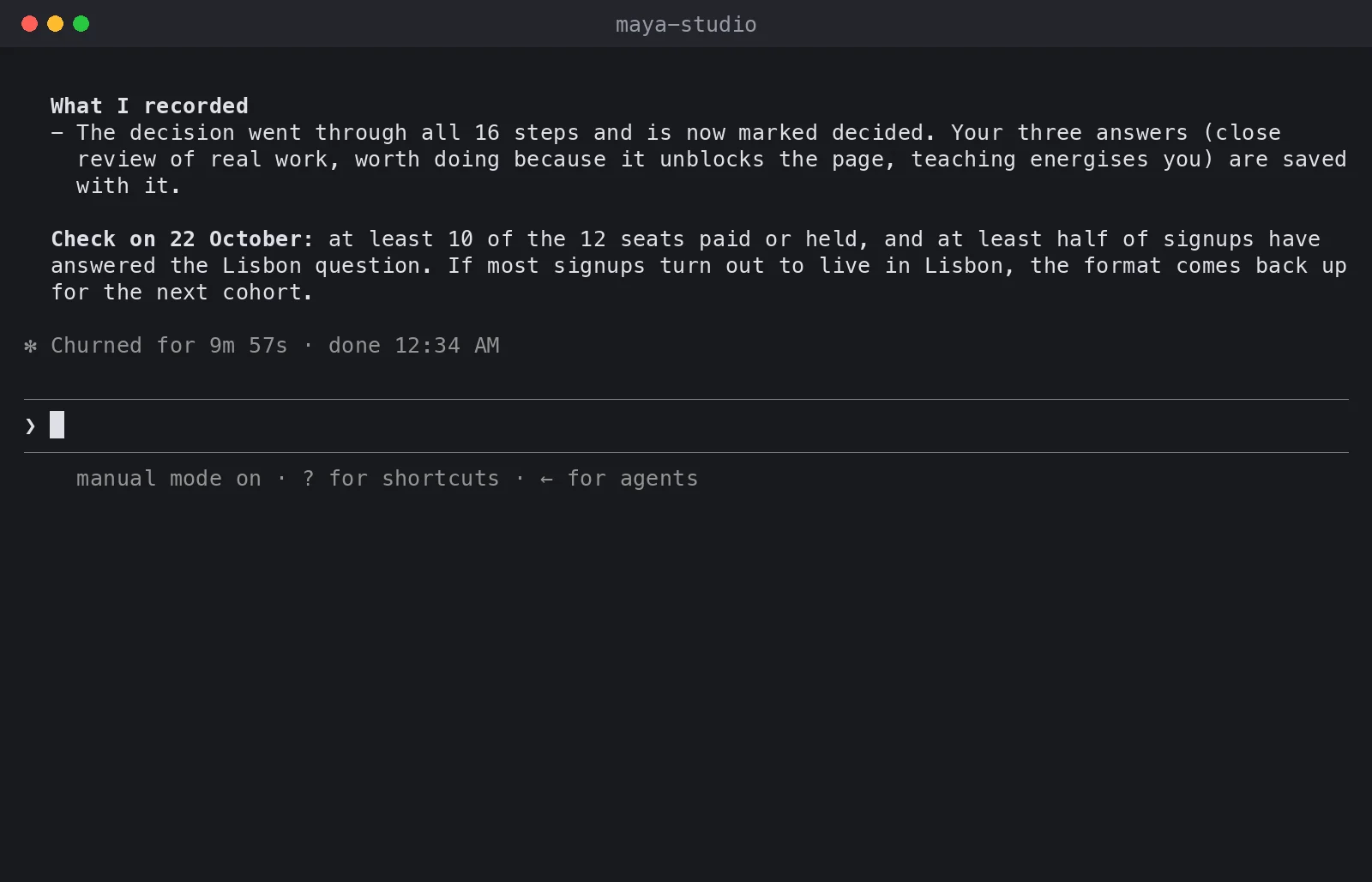
Claude Code took Maya's 'online or in person in Lisbon?' question through all 16 steps of a Trillion decision and marked it decided. Shown in Claude Code.
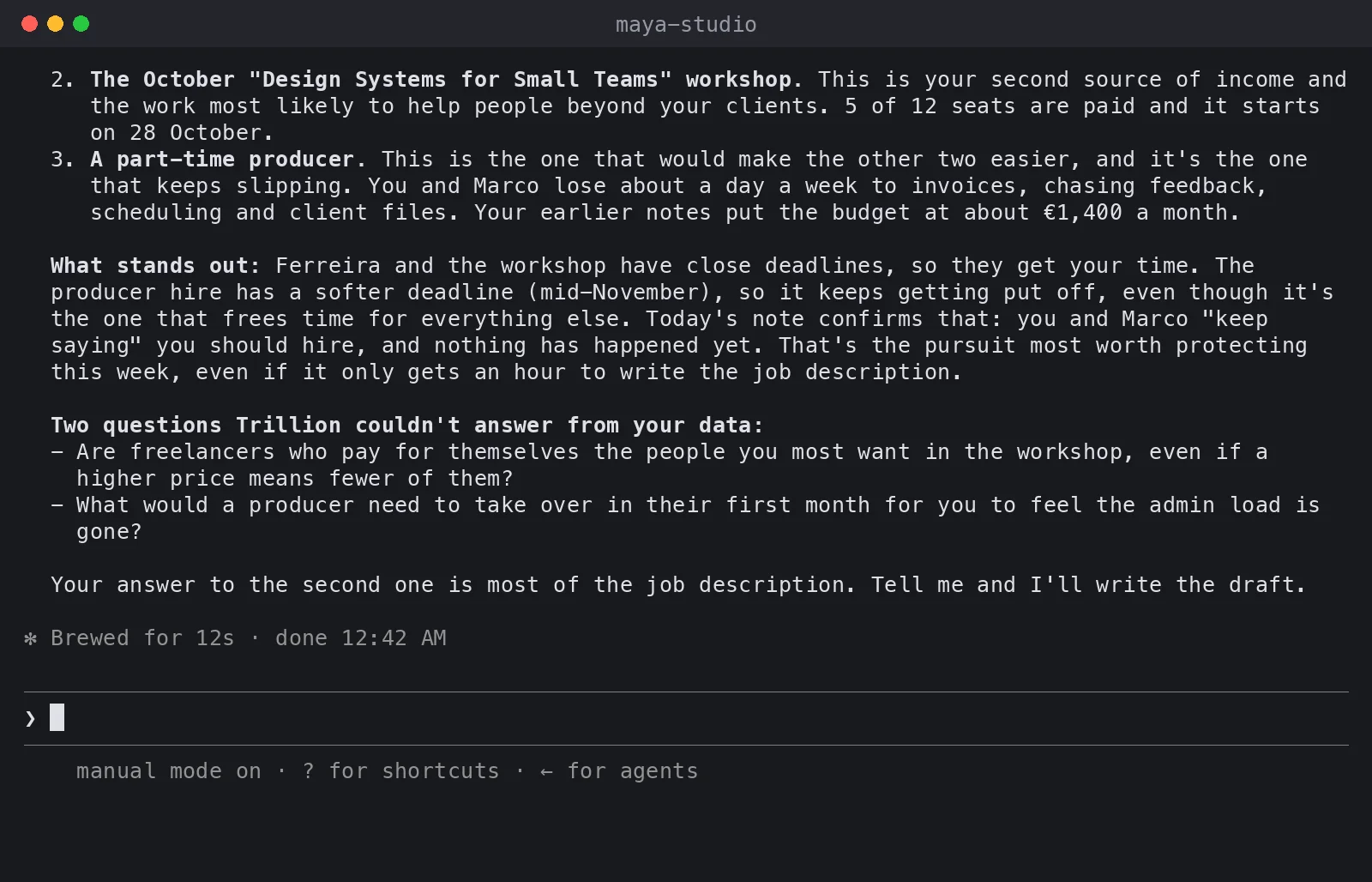
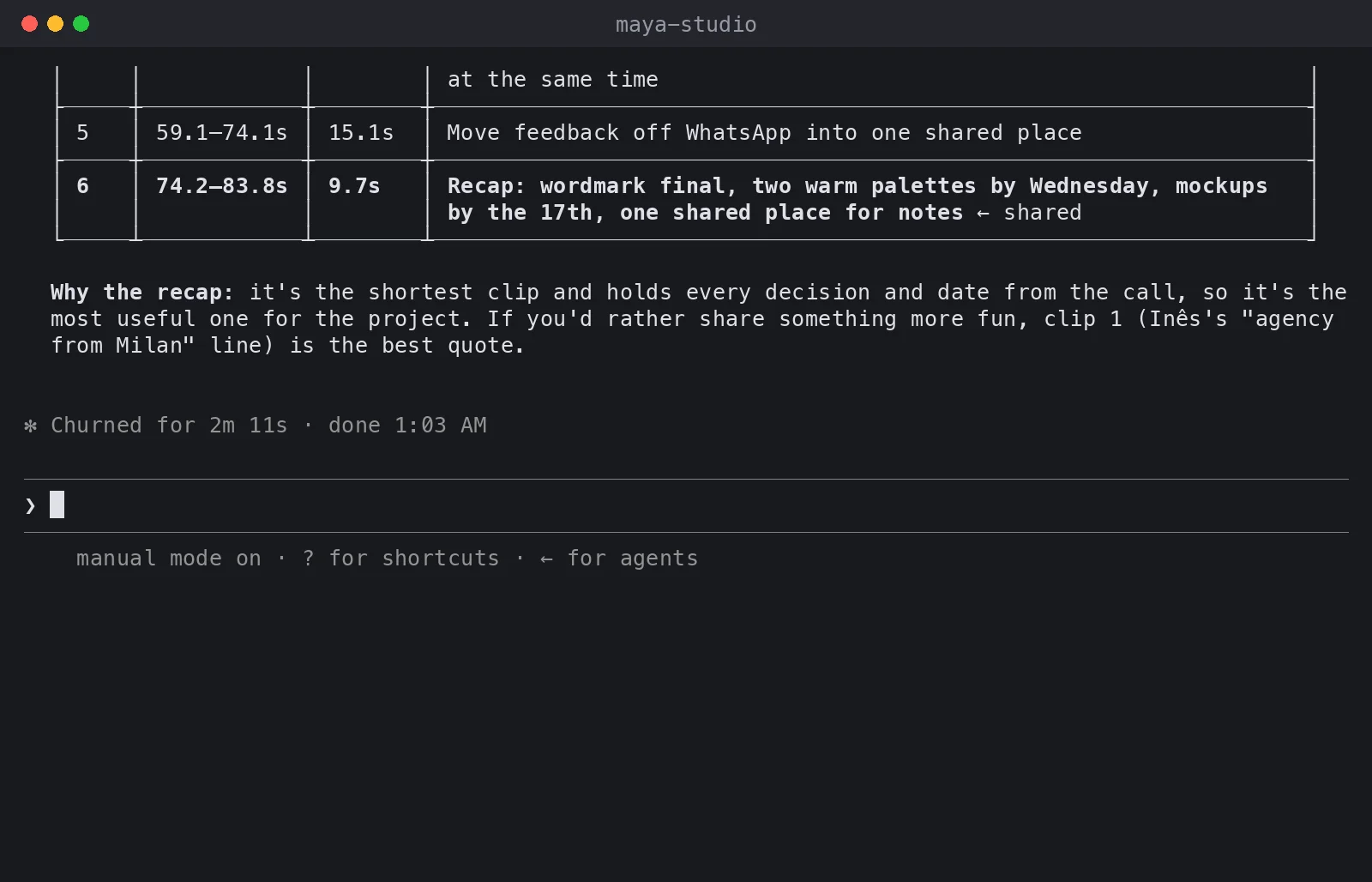
Maya added a note, and Claude Code laid out her three pursuits, said which to protect this week and listed two questions Trillion could not answer. Shown in Claude Code.
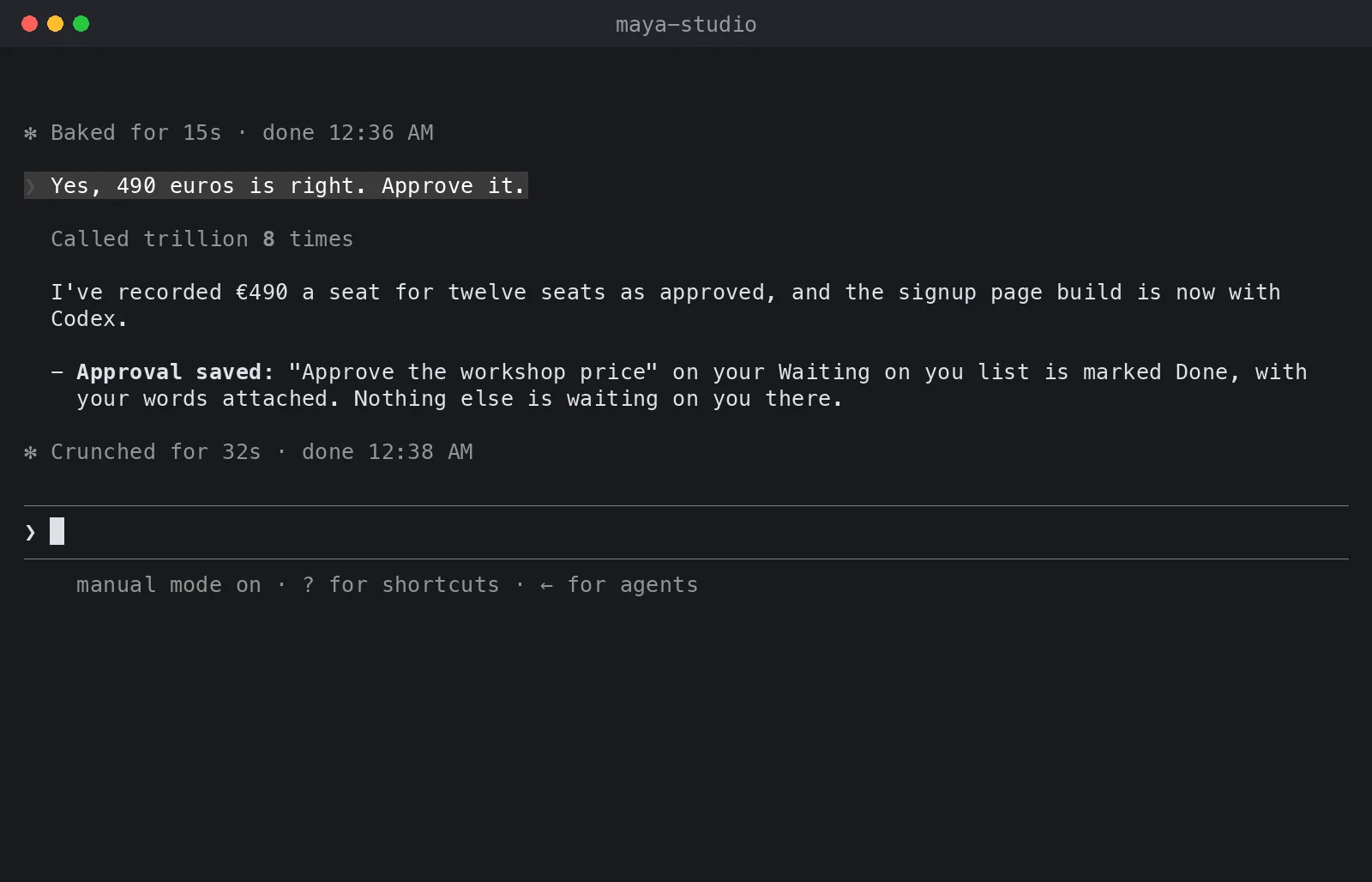
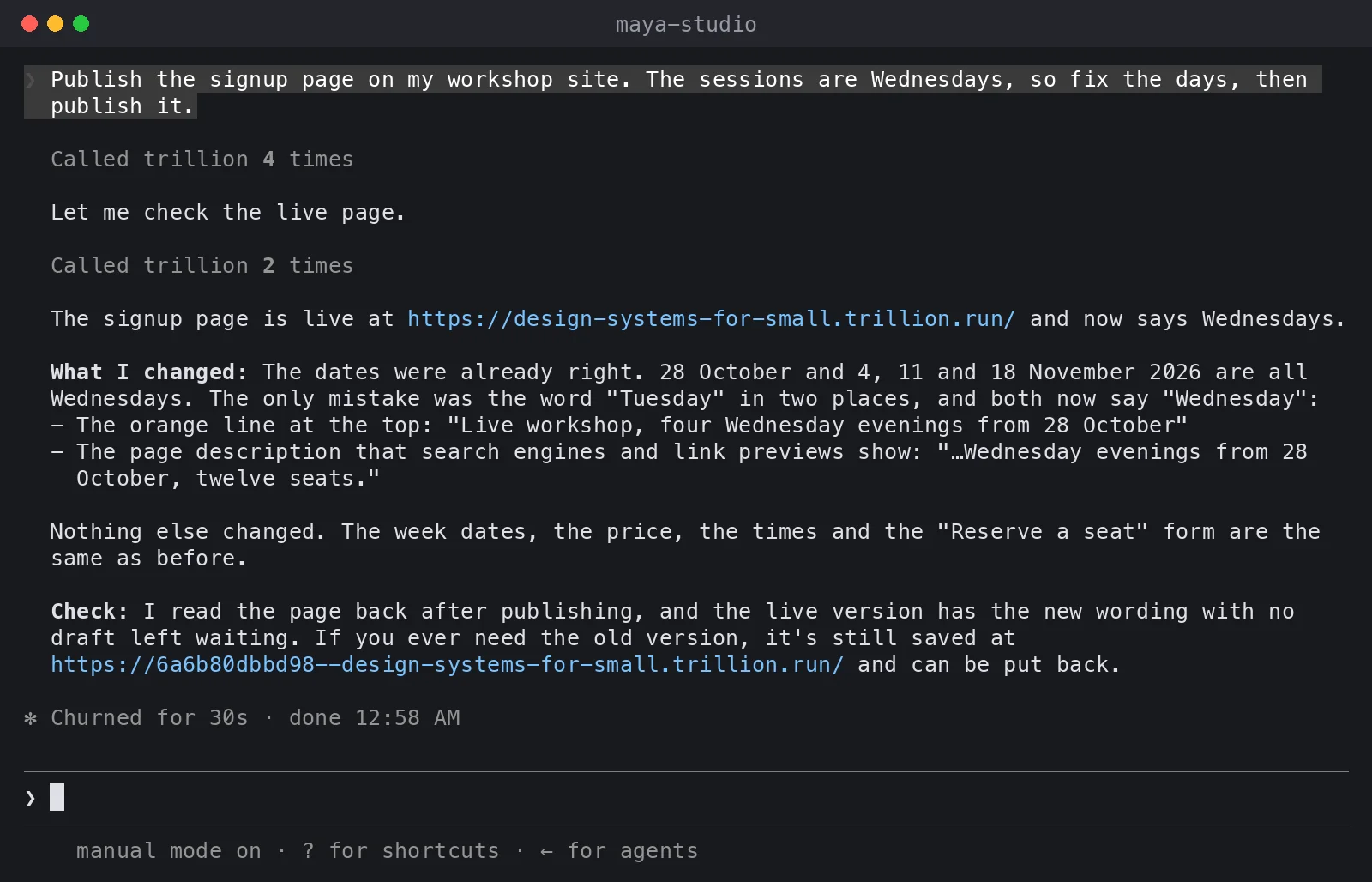
Claude Code published a signup page. A check from the terminal then shows it live: HTTP 200, the four Wednesday evenings from 28 October and a Reserve a seat button. Shown in Claude Code.
Trillion does not have AI agents. Every AI you already use connects to the same Trillion and works from the same things.
Keep the AI you already chose.
Connect your AI to your Trillion account and keep talking where you already work. Trillion gives it access to the files, decisions, tools and spaces you choose.
Open a screen when the work needs one.
A connected screen gives you a place to inspect the work and use its controls. The AI can request a Trillion view while you stay in the conversation; available screens and actions depend on the host and your permissions.
A tool connection and an embedded screen are separate capabilities. Hosts that support interactive apps can draw the screen in chat. Other connected AIs can use Trillion tools and open the workspace in a browser.
Every connected AI can start from the same work.
Pick up the context.. Your saved pursuits, decisions and their reasons remain in Trillion for your authorized AIs to read.
Act on the original.. Files, tools and shared spaces give the AI a place to do the work and keep its results.
See what happened.. Activity identifies the connected AI app, model and configured agent behind the recorded work.
Choose the interface that fits the job.
Trillion offers files, documents, boards, canvases and a Sites editor connected to your workspace. Marketplace tools can be added to the places that support them. Browse the examples and current setup guide to see what is available for your AI.
Sign-in and paid signup are temporarily unavailable.
1x'er: FreeFree. Testing the waters: your AI walks a few decisions a month through the method; nothing is kept.
Trillion X'er: $50/month per spot + usage$50/month per spot, plus measured usage at the listed rates with a small margin. One plan for yourself, a group or a company. The first 7 days are free.
One-on-one with JibranTwo calls a month with Jibran for 3 months, with Trillion X'er included. Apply, and if it is a fit, Jibran tells you the price.