Trillion vs Raycast
A Mac launcher with built-in AI chat, notes and thousands of extensions.

A Mac launcher with built-in AI chat, notes and thousands of extensions.
| What it does | Trillion | Raycast |
|---|---|---|
| Works with the AI you already use | Yes | Yes |
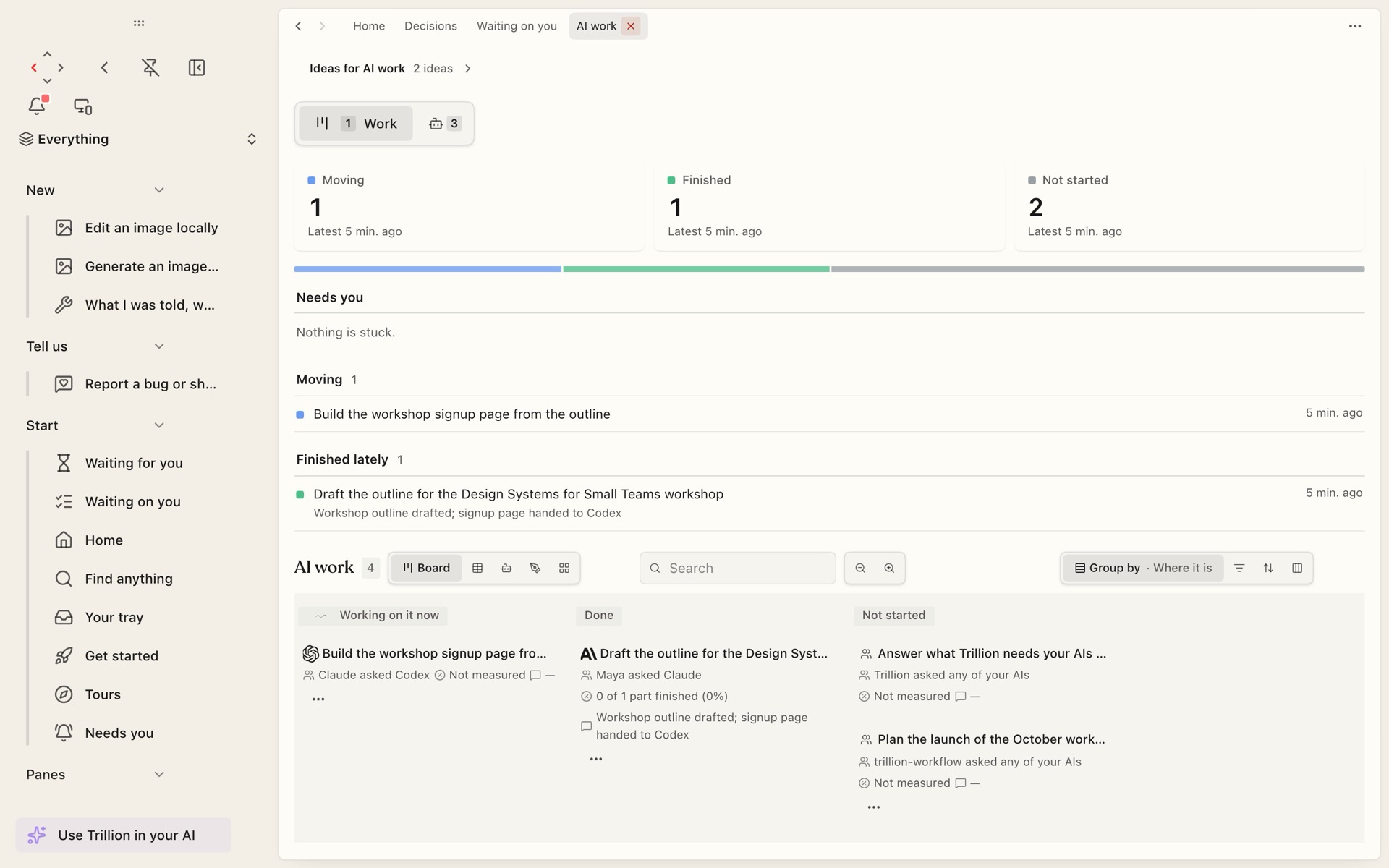
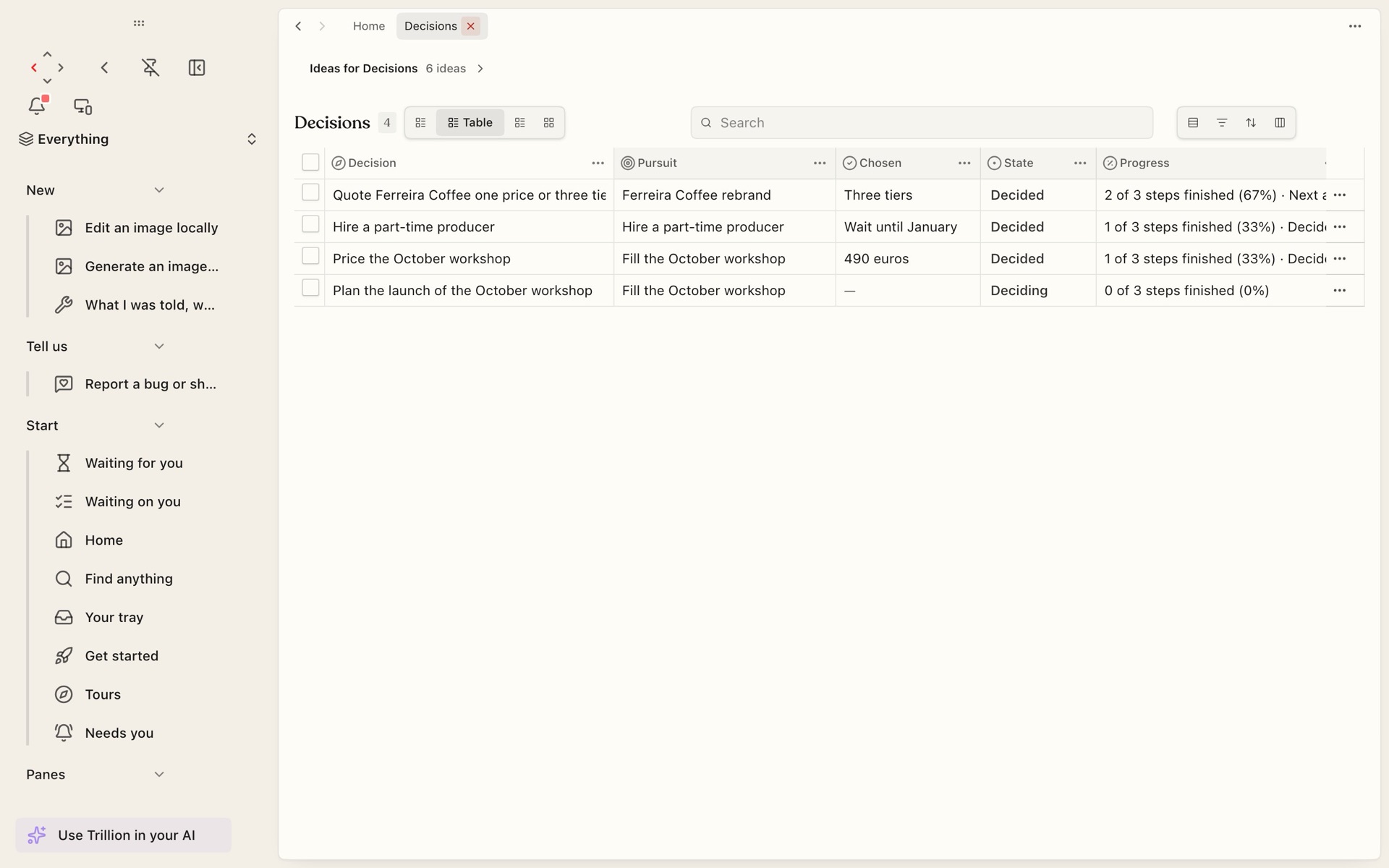
| Keeps decisions with their reasons | Yes | Not stated |
| Lists, a CRM or any table | Yes | Not stated |
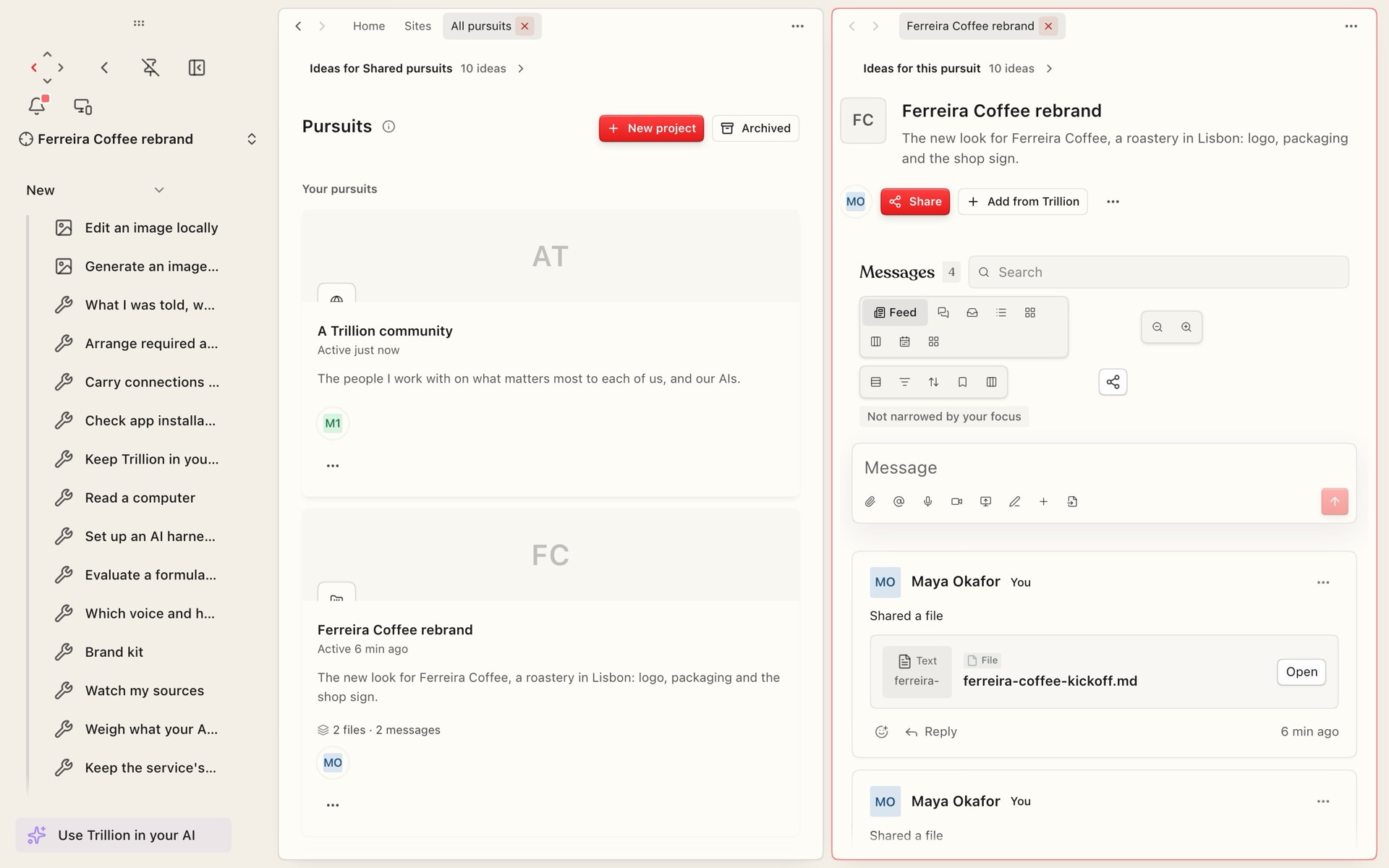
| Files and recordings | Yes | Not stated |
| Shared spaces with other people | Yes | Yes |
| A marketplace of tools | Yes | Yes |
| Publishes sites and pages | Yes | Not stated |
| Workflows, rules and schedules | Yes | Not stated |
| Hands work from one AI to another | Yes | Not stated |
| Phone app | Yes | Not stated |
| Free plan | Yes | Yes |
Checked 2026-10-12 on Raycast's own pages. A dash means their pages show it does not; "Not stated" means their pages do not say.
You want fast keyboard access to AI and apps on your Mac.
You want a shared memory product for several AI apps you already use.
Checked 2026-10-12. Prices change, so check Raycast's own page before you buy.
Raycast has a free plan. As published on 2026-10-12: Pro: $10 / month ($96 / year)
Its own pages say it connects outside AIs. Trillion is built around it: you connect ChatGPT, Claude, Codex or any AI you use, and each one reads and adds to the same work.
Pick Raycast if you want fast keyboard access to AI and apps on your Mac. Pick Trillion if you want a shared memory product for several AI apps you already use.
Trillion X'er: $50/month per spot, plus measured usage at the listed rates with a small margin. One plan for yourself, a group or a company. The first 7 days are free.
Connect ChatGPT, Claude, Codex or any AI you use. Trillion keeps your decisions, files, lists and people, so every AI you open carries on from the same place.